Ein Script zum schnellen Wechsel zwischen verschiedenen Hintergrundbildern — für die präzise Anpassung von 3D-Modellen an Referenzfotos in Maya und Cinema 4D. A script for quickly switching between different background images — for precise alignment of 3D models to reference photos in Maya and Cinema 4D.
ImagePlaner · Persönliches Werkzeug ImagePlaner · Personal tool
Scripting, Tool-Entwicklung Scripting, tool development
Maya · Cinema 4D
VFX-Workflow VFX workflow
Der ImagePlaner ermöglicht es, in der 3D-Software sehr schnell zwischen verschiedenen Hintergrundbildern zu wechseln. Das Werkzeug hilft dabei, 3D-Modelle präzise an Referenzfotos anzupassen — ein entscheidender Schritt in VFX-Workflows.
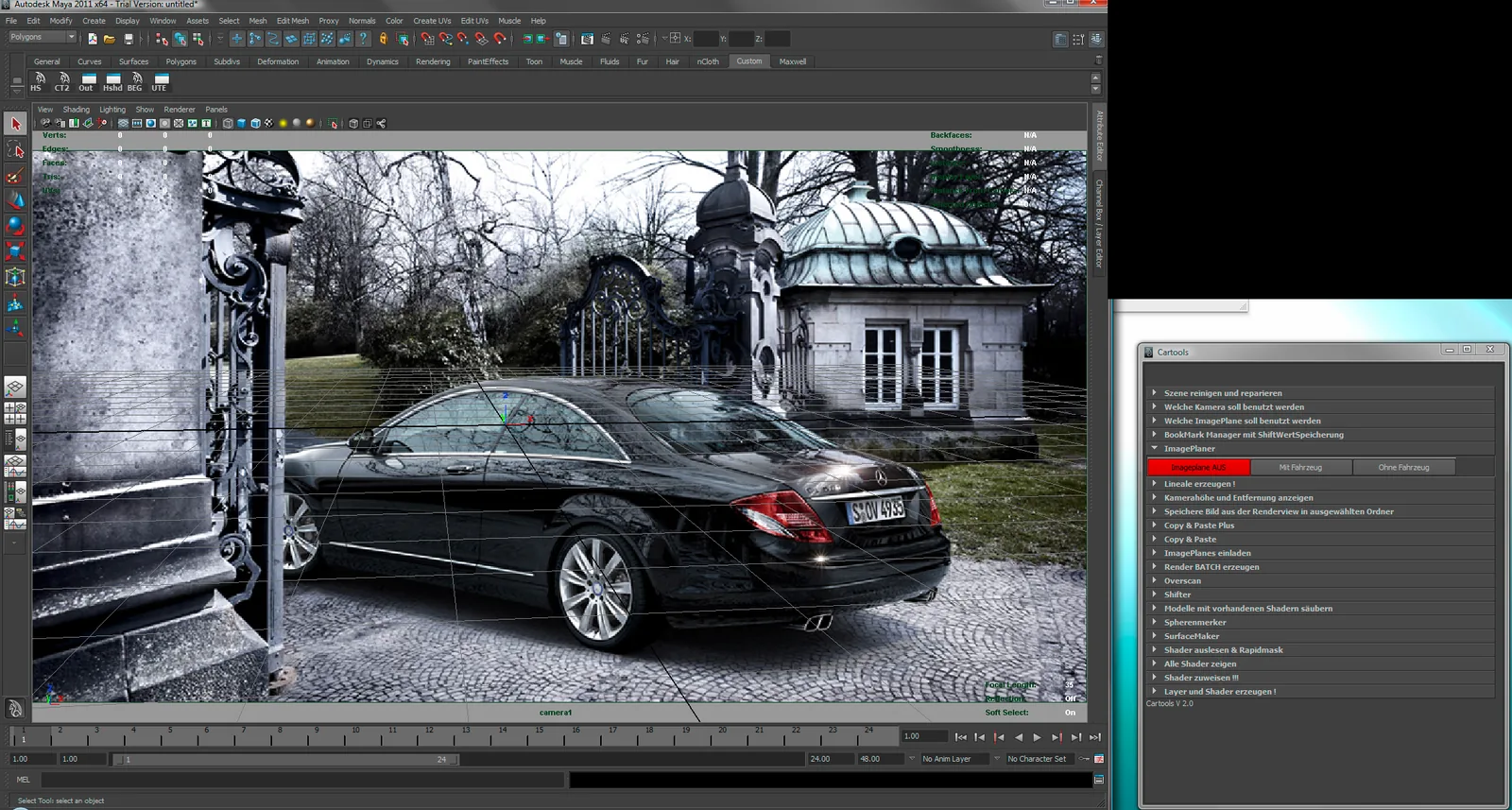
Ein typischer Anwendungsfall: Ein Fotograf macht an einer realen Location ein Foto mit einem Referenzfahrzeug, um die spätere Position des 3D-Fahrzeugs leichter zu bestimmen. Mit dem ImagePlaner lässt sich per Knopfdruck zwischen dem Bild mit Fahrzeug und dem Bild ohne Fahrzeug wechseln — ganz ohne manuelles Austauschen der Hintergrundbilder.
Der Button „Mit Fahrzeug einladen" lädt die Referenzfotos, während die Buttons „Mit Fahrzeug" und „Ohne Fahrzeug" den schnellen Wechsel zwischen den Varianten ermöglichen. So lässt sich das 3D-Modell mit nur einem Klick exakt an der realen Umgebung ausrichten.
The ImagePlaner makes it possible to switch very quickly between different background images inside the 3D software. The tool helps to align 3D models precisely to reference photos — a crucial step in VFX workflows.
A typical use case: a photographer takes a photo at a real location with a reference vehicle to make it easier to determine the later position of the 3D vehicle. With the ImagePlaner you can switch at the press of a button between the image with the vehicle and the image without it — without manually swapping background images.
The "Load with vehicle" button loads the reference photos, while the "With vehicle" and "Without vehicle" buttons enable quick switching between the variants. This way the 3D model can be aligned exactly to the real environment — with just one click.
Hauptansicht des ImagePlaners mit geladenem Referenzfoto im Viewport. Main view of the ImagePlaner with the reference photo loaded in the viewport.
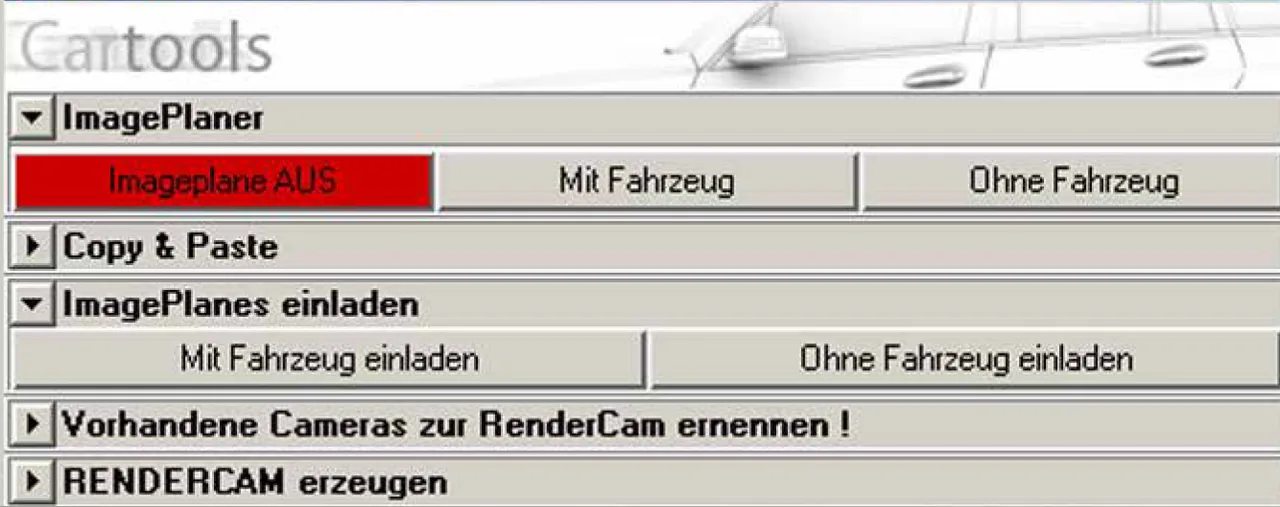
Tool-Oberfläche und geladenes Referenzbild mit Fahrzeug. Tool interface and loaded reference image with vehicle.
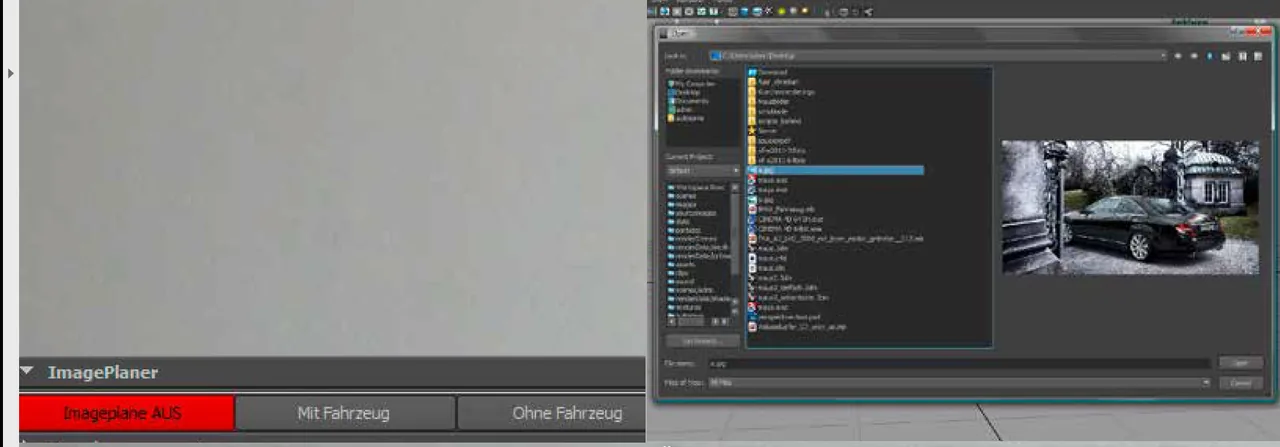
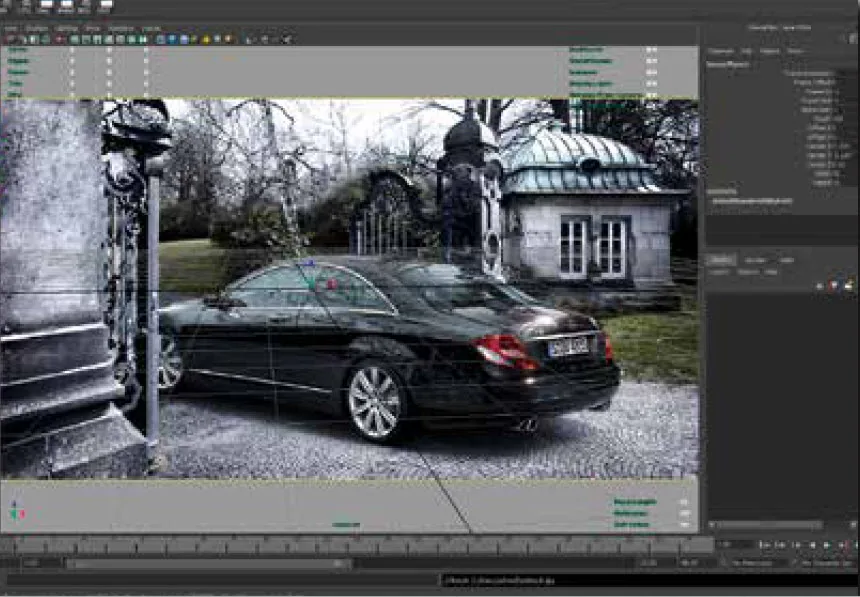
Schneller Wechsel zwischen Referenz mit Fahrzeug und ohne Fahrzeug. Quick switch between the reference with and without the vehicle.
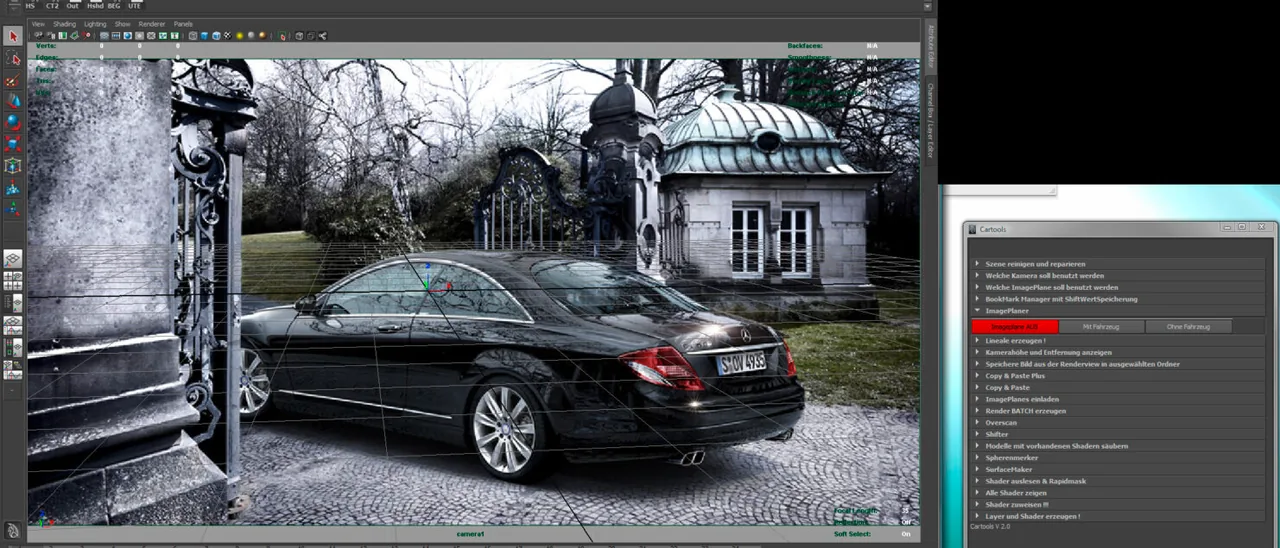
3D-Modell präzise an die reale Referenz angepasst. 3D model aligned precisely to the real reference.