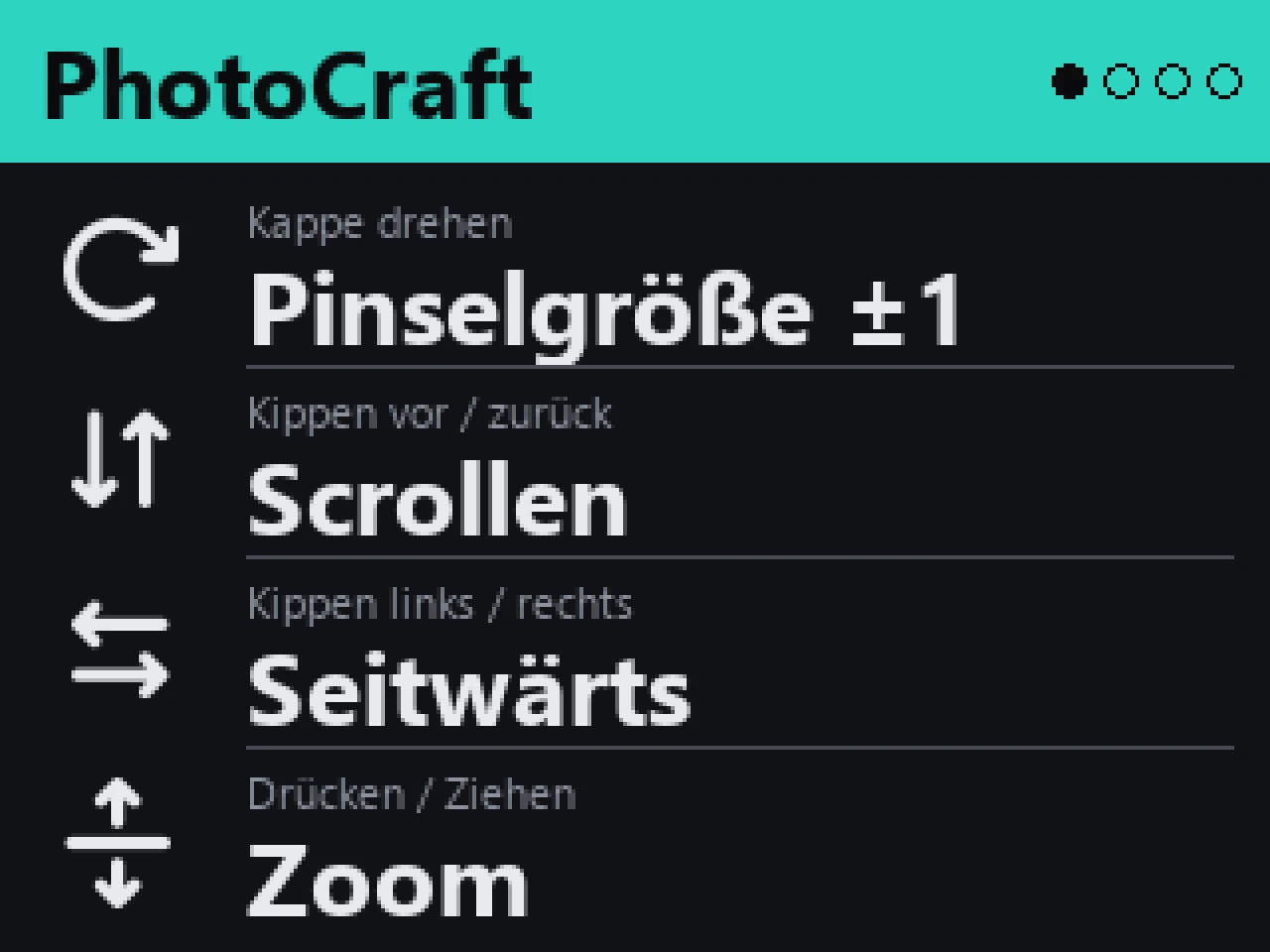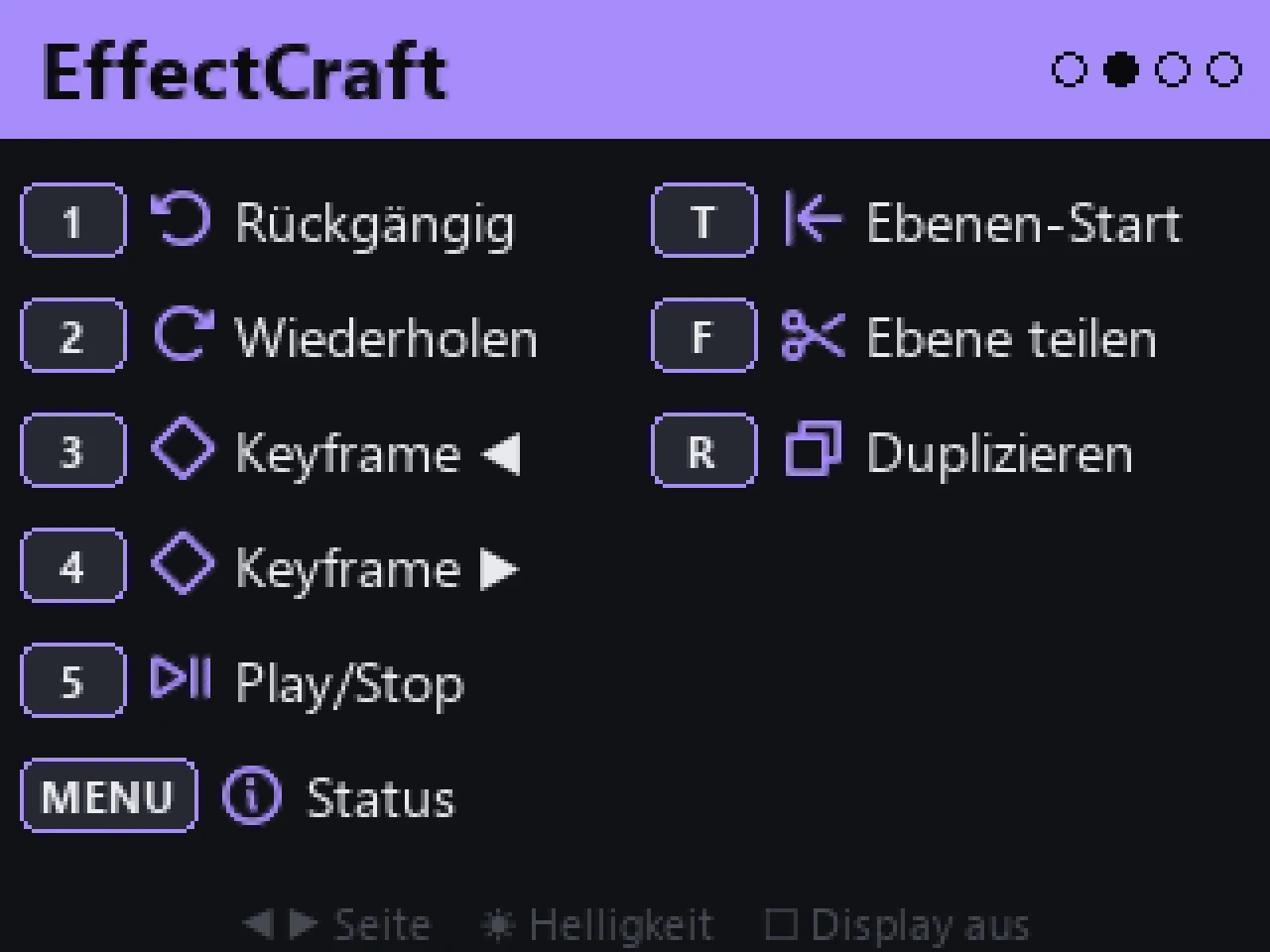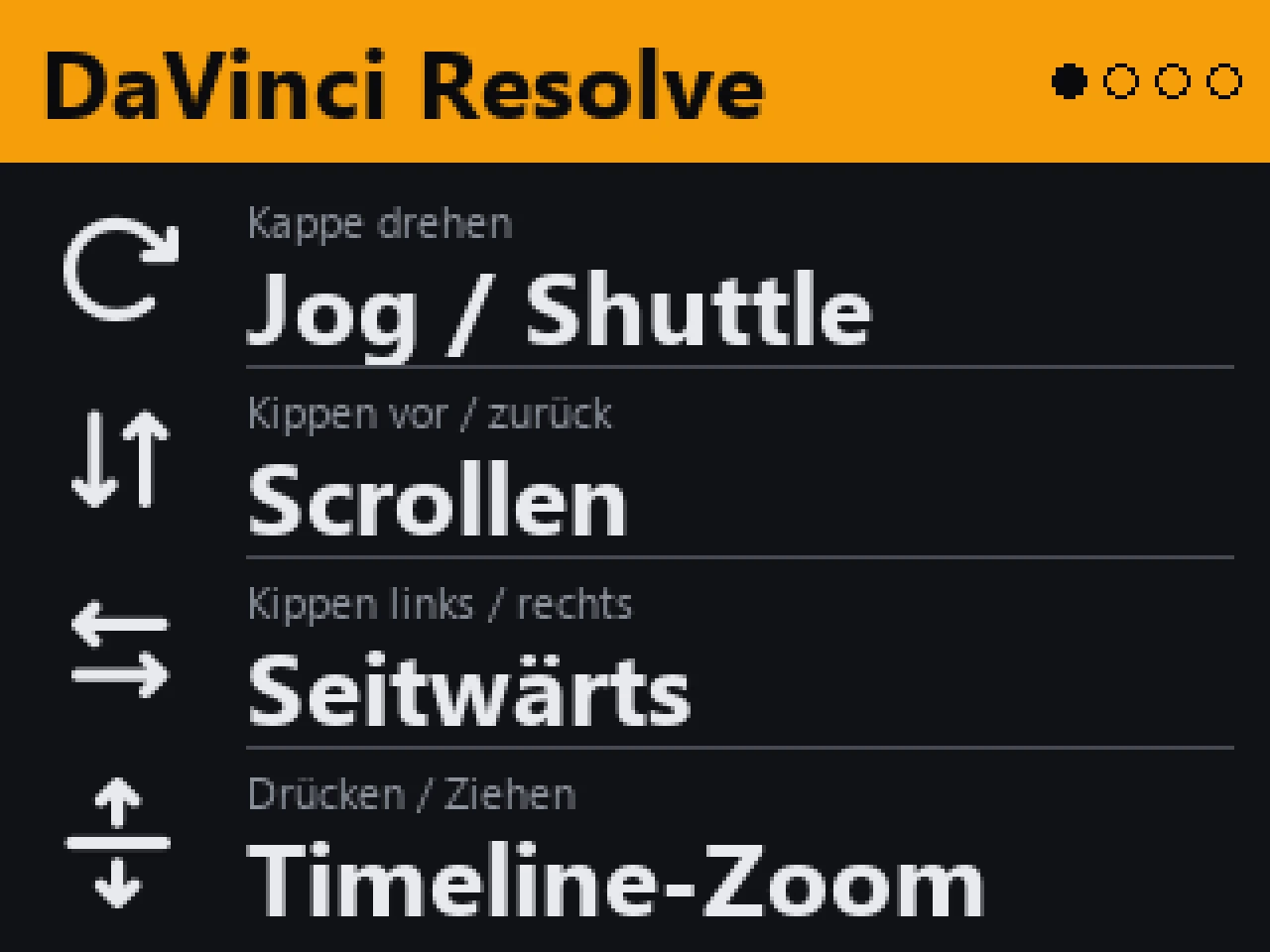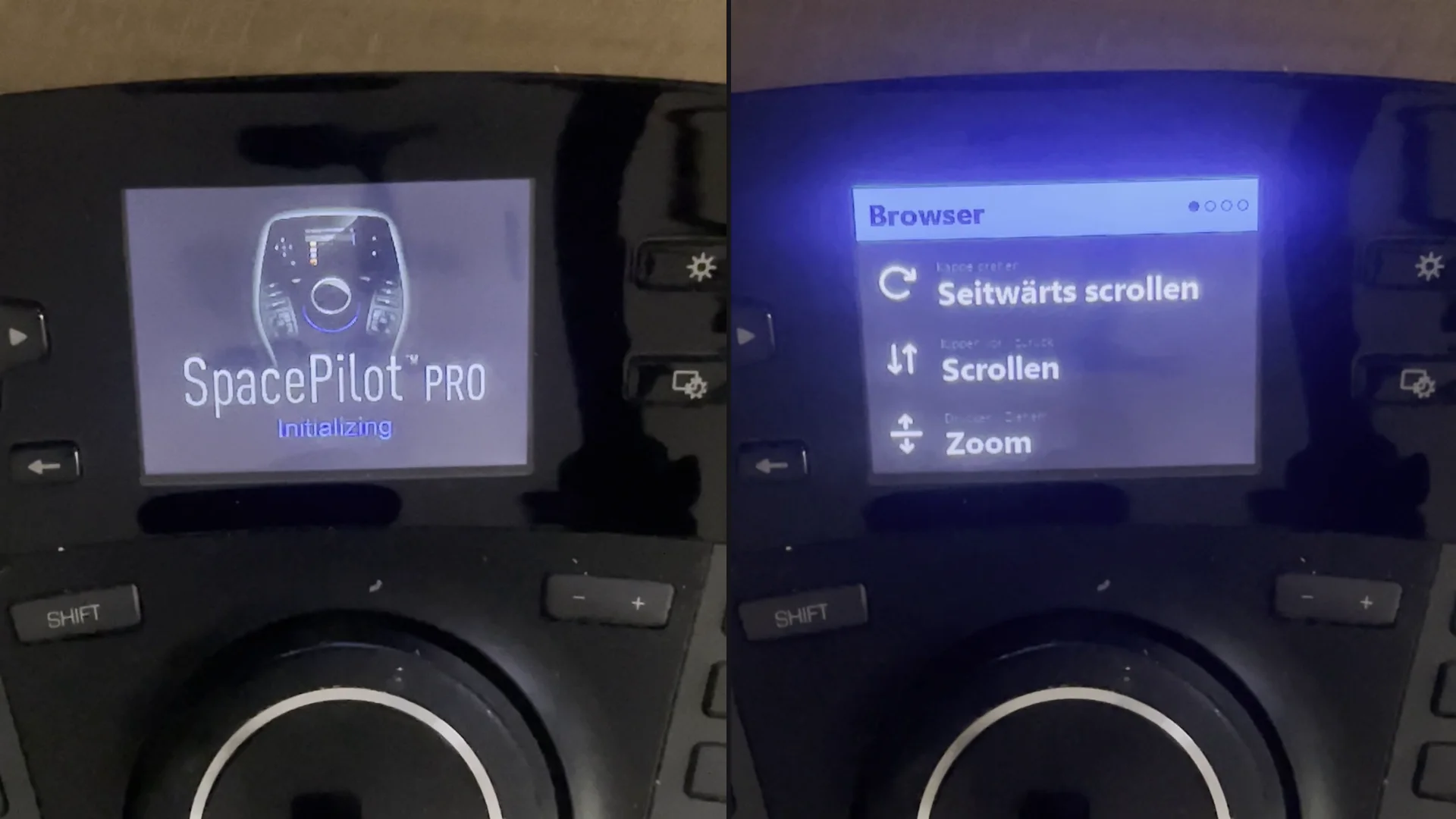
SpacePilot Pro — left the old boot screen, right the new overview
Python Windows 11 USB Alpha

SpacePilot Pro — new life for a classic 3D mouse

On Windows 11 the display of my SpacePilot Pro showed nothing but its boot screen for years. Now it works again — with my own software that drives the display, the keys and the cap directly.

Project

Custom control software for the SpacePilot Pro

Status

Personal project, early alpha

Software

Python · Windows 11

Device

3Dconnexion SpacePilot Pro

About the project

The SpacePilot Pro is a 3D mouse with a colour display and 21 keys. Its old display driver no longer loads on Windows 11 — since then the display only showed “Initializing”. The cap kept working, but the display and the key layout overview were gone. So I wrote my own control software. It reads the six-axis cap and all keys directly over USB, detects the active application and switches to the matching profile automatically. The display shows again what the cap and the keys do in each application — with icons, live axes and status. Some applications are controlled directly: brush size in PhotoCraft, frame-by-frame timeline jog in EffectCraft, jog and shuttle in DaVinci Resolve and scene navigation in Unity. In the browser, Explorer and VS Code the cap scrolls and zooms.

In action

Display pages

Status

The software is a personal project in an early alpha stage and so far runs only on my own machine. It is currently not available for download or purchase. Own a SpacePilot Pro and interested? Let me know — it helps me decide whether a version for others is worth building.

SpacePilot and 3Dconnexion are trademarks of their respective owners. This is not an official product and is not affiliated with 3Dconnexion or Logitech.