Orientation
Interface, navigation, the key differences from Cinema 4D and a first scene of your own. Afterwards you know whether and how the switch fits your team.
Training
I have been training teams in agencies, industry and education since 2017. Today my focus is helping teams move to Blender and showing where AI really helps in 3D work. On-site at your company, with the whole team or right at your people's desks. You receive a fixed quote in advance.
Focus · Switching
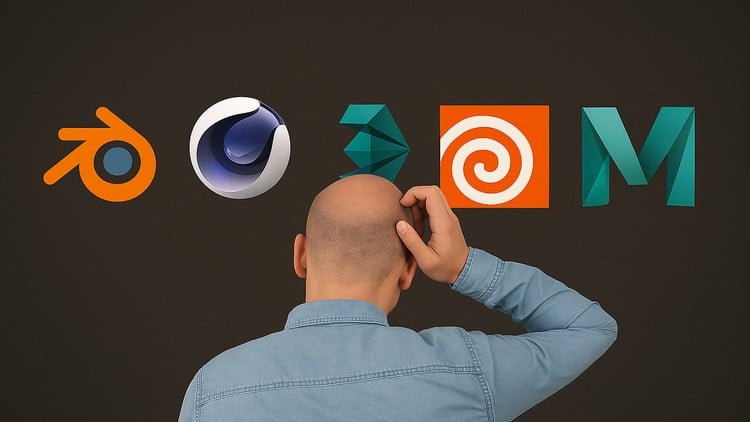
Blender has come a long way in recent years. Many Cinema 4D teams wonder whether the switch will work and what they might lose. I taught Cinema 4D for years and made the move myself. I know where it gets stuck and how to make it easy.
Blender is free, for every team member and every machine.
Regular releases; Geometry Nodes, Cycles and Eevee keep getting better.
There are extensions for almost every task, many of them small and affordable.
Open software with a large community, funded by many companies in the industry.
Interface, navigation, the key differences from Cinema 4D and a first scene of your own. Afterwards you know whether and how the switch fits your team.
Modeling, materials, lighting, rendering and animation. At the end we rebuild one of your Cinema 4D scenes in Blender, with an honest look at strengths and weaknesses.
Content in detail →I join on individual days while your team delivers its first jobs in Blender, sitting right at their desks. Questions get answered before they cost time.
No. Much of it just has a different name or lives in a different place. I translate your Cinema 4D knowledge step by step, and most of it carries over.
Models, cameras and animation can be moved via FBX, Alembic or USD. I show what transfers well and what is better rebuilt.
Yes. I use Blender in production every day and develop my own add-ons for it, sold worldwide.
That works too. Many teams use both. I show how the two work together cleanly.
New · AI workshop
A hands-on workshop for creatives and teams: where AI really saves time today, where it does not help yet and how to use it safely. No hype, with examples from my daily work.
An overview for your team or management: what is possible, what makes sense, where to start?
Hands-on with your own tasks. Everyone leaves with a few tools they will use the next day.
AI in your company: together we look at your workflows and find where it pays off.
New in the programme: content and focus are agreed with you in advance.
Ask about the AI workshopMy approach
Every training is shaped together with your team — no off-the-shelf courses, but tailored to your software, your team's level and your real-world projects. Content stays current. Where AI speeds things up, it becomes part of the training — as a tool, not an end in itself.
I work daily with the same tools I teach. What you learn is production practice, not textbook knowledge.
Classic software training
Cinema 4D from entry to production, both major renderers, After Effects for motion graphics and Blender for switchers. Content and emphasis agreed with you ahead of each engagement.
01
For whom: Beginners and teams switching to Cinema 4D in-house, or consolidating the basics properly.
Interface, navigation, workflow
Modeling toolset overview
Materials and UV basics
Lighting and cameras
Animation basics, keyframes
Rendering and output
Example project
A small product setup from modeling to first rendering — e.g. a classic roulette table or a product key visual. From interface to modeling, materials, lighting and first keyframes — the full arc beginners should walk through cleanly once.
02
For whom: C4D users looking to move their pipeline to production level — from scene structure to compositing prep.
Scene structure and asset strategy
Take system and render variations
MoGraph in production
Multi-pass rendering and AOVs
CAD data preparation
Compositing-ready output
Example project
A full architectural interior visualisation — from modeling and UV layout to texturing, lighting and a compositing-ready render. Take system for variations, multi-pass setup for post, MoGraph for set dressing.
03
For whom: Studios and teams producing photoreal stills and animation with Octane. Cinema 4D experience required.
Kernels, sampling, AI Light
Camera Imager and tone mapping
Materials and node workflow
Denoiser and AI up-sampler
AOVs, Cryptomatte, OCIO
Rendering acceleration
Example project
A studio setup for product visualisation plus an architectural lighting scene — from HDRI through AI Light and adaptive sampling to cryptomattes and post in Affinity Photo or After Effects. Includes clean node-based material work and systematic render-time optimisation.
04
For whom: Studios with an existing Redshift pipeline or switching to Redshift. Cinema 4D experience required.
Node-based shader graph
Lighting concepts and HDRI
Materials: PBR, glass, SSS
Render setup and AOVs
Sampling and optimisation
Compositing-ready output
Example project
A product key visual at stock-image level — comparable to a Schweppes or Niederegger visualisation. From shader build through photoreal HDRI lighting to clean AOVs for post. Including render optimisation on your studio's actual hardware.
05
For whom: Teams that want to produce logo animations, lower thirds and titles in-house — and integrate After Effects cleanly with their Cinema 4D pipeline.
Interface, compositions, keyframes
Shape layers and mask animation
Lower thirds and title systems
Text animation and presets
Colour correction with Lumetri
Cinema 4D integration (Cineware)
Example project
A motion-graphics package for a brand — logo animation, a lower-third system with mask animation, title animation and a quick colour grade in Lumetri. Plus a clean bridge between Cinema 4D rendering and the After Effects comp.
06
For whom: 3D pros who already know Cinema 4D and want to integrate Blender efficiently into the workflow.
C4D ↔ Blender tool comparison
Workflow translation
Rendering with Cycles and Eevee
Geometry Nodes — intro
Key add-ons in practice
Data exchange C4D ↔ Blender
Example project
Rebuild an existing Cinema 4D setup in Blender — tool comparison live on an open workflow. Modeling, materials, lighting and rendering once through both apps, with an honest look at strengths and weaknesses of each.
Focus topics
Cross-software focus topics for teams with a concrete problem — UV layout for demanding texturing, or Xpresso for parametric and mechanical animation.
07
For whom: Teams working with delivered CAD data, texturing complex packaging or unwrapping organic models cleanly.
Texture projections and triplanar
UV editing and optimisation
Substance workflow
Displacement maps and baking
Preparing CAD data for texturing
Alternative tools: RizomUV, Headus
Example project
A real bottle with label, embossing and cap — fully unwrapped, textured and rendered in a final studio setup. From modeling to photo reference through to fine details like displacement maps for the embossing. Suitable for packaging or product visualisation in general.
08
For whom: Teams working on mechanical, parametric or rigged animation — e.g. product configurators, technical animation, movable furniture or awning systems.
Xpresso nodes overview
Set Driver and constraints
Bones and inverse kinematics
Spline rigging and pose morph
Velocity editor and easing
Python in Xpresso (intro)
Example project
A parametric awning system — with an Xpresso setup for control, strap animation via spline wrap, bones for the moving flaps and pose morphs for the fabric folding. The project was built 1:1 for Markilux and shows what a product-configurator rig looks like in production.
Process
From first enquiry to day one of training — four clear steps, no surprises.
You write me a short description of your team and what you'd like to cover.
A short call to clarify software state, pipeline and concrete goals.
I draft an adaptable outline with days, content and goals. We refine it together.
I come to you with my own equipment. You receive a fixed quote in advance, based on scope and duration.
Training for
A selection of clients I've trained since — from advertising and industry to educational institutions.







At your own pace · Udemy
Twelve recorded courses on Cinema 4D, Redshift, Houdini, Unreal Engine and Unity. They were made over the years and the fundamentals still apply.
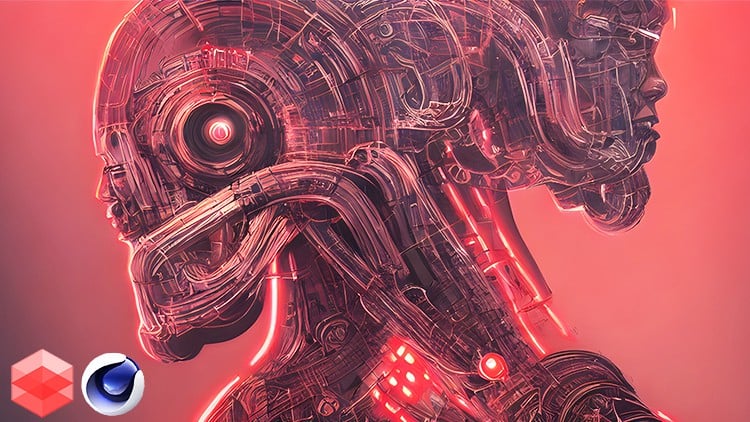
Complete course: lighting, camera work, materials, rendering and compositing with Redshift in Cinema 4D.
Three workflows from simple to complex: materials, unified sampling, caustics, volume lights, multipasses.
Workflow, render views, lighting, cameras and materials.

The first German-language course on Redshift for Cinema 4D.

Over 13 hours of introduction: procedural workflows, modeling and generators.

Deformers, cameras, animation, lighting, materials, UV layout and rendering.

Simulation and effects: cloth, particles, hair, destruction and PyroFX.
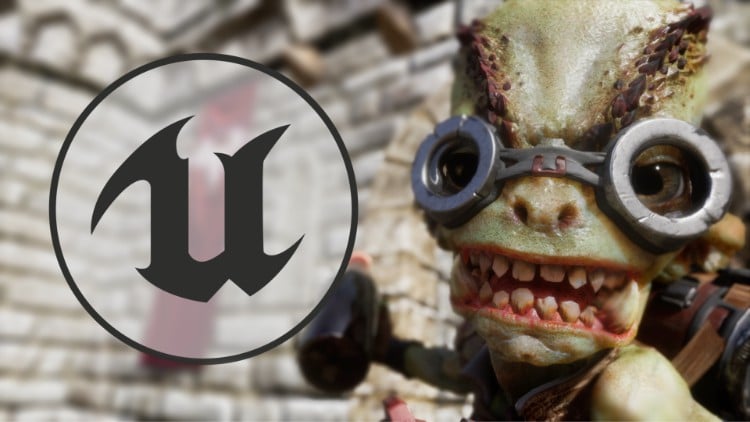
Real-time rendering with raytracing: HDRI, interior lighting, materials and sequencer.
Over 22 hours: logic, communication between objects and game mechanics.
Interactive 360° visualisations: import, URP/HDRP, C# and light baking.
Enquiry
Send a few sentences about team size, prior knowledge and topics. I'll get back within 24 hours on workdays with a proposal.
Request trainingPrefer to learn at your own pace? Online courses on Udemy →